Leave
Approve leave
Approve or decline leave from the Approvals page or straight from the email, see the person's balance, and set someone to cover while you're away.
For: Managers and HR
Open Time and leave › Leave approvals. The menu shows how many are waiting. Each card shows the dates, the step you're deciding, their balance and what's left after.
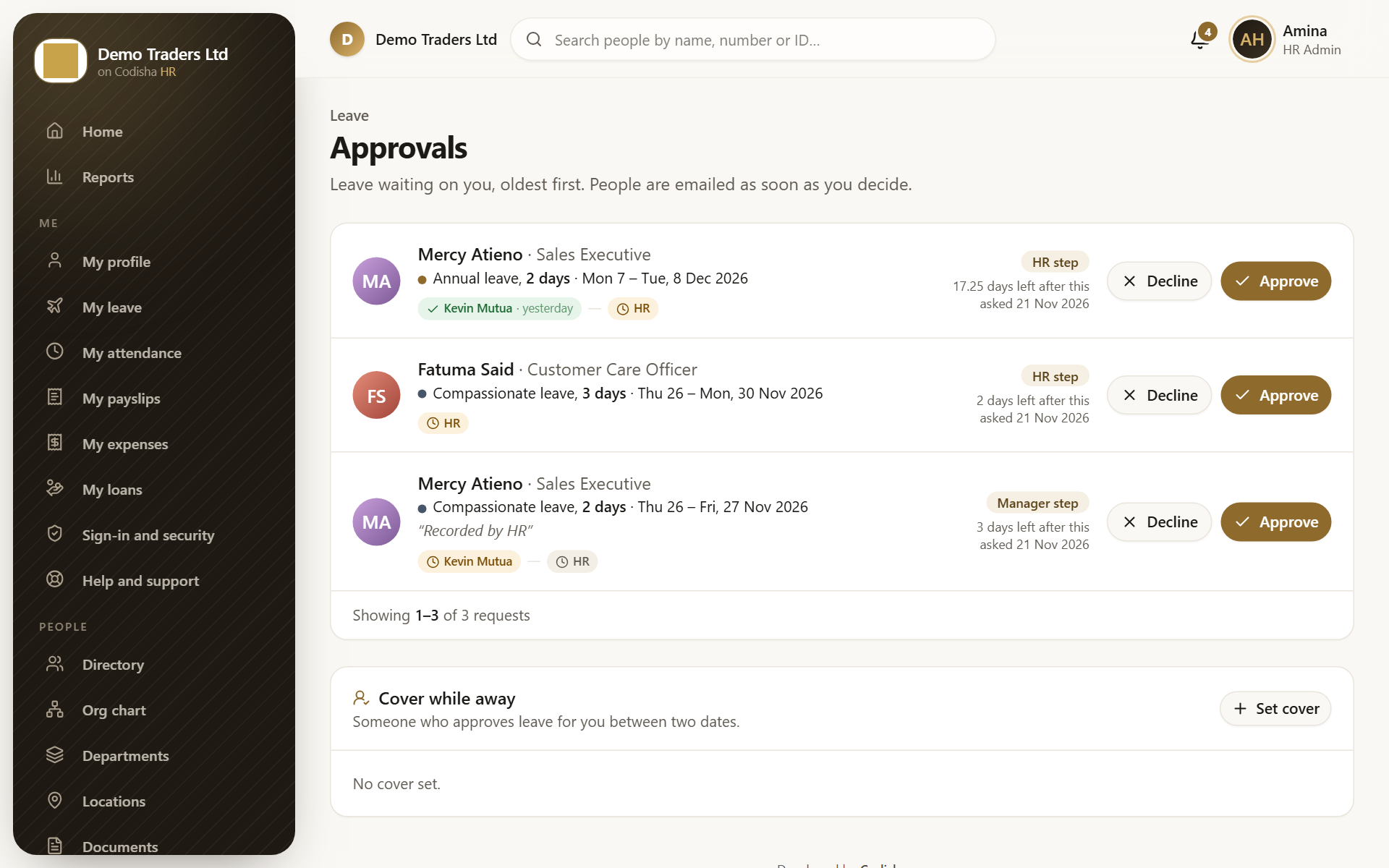
- Approve (with an optional comment) or Decline (a reason is needed).
- Open an attached document, such as a sick note, from the request.
- Days come off the balance when the last approver says yes.
- If someone else decided first, you'll be told and the list refreshes.
Deciding from email
The email about a request has Approve and Decline buttons. They work without signing in, for a limited time.
Someone covering for you
Going away? Under Cover while away, choose a colleague and the dates; requests that need you go to them meanwhile.