Getting started
Invite your team
Invite HR, payroll and finance colleagues to help run Codisha HR, give them roles, and change or remove access later.
For: Owners
Open Company › Team. This is for people who help run HR. Employees get their own self-service sign-in from their profile or when you import them.
- Choose Invite and enter their email and name.
- Pick one or more roles (see Roles and what each can see).
- They get an email with a link to set a password and join.
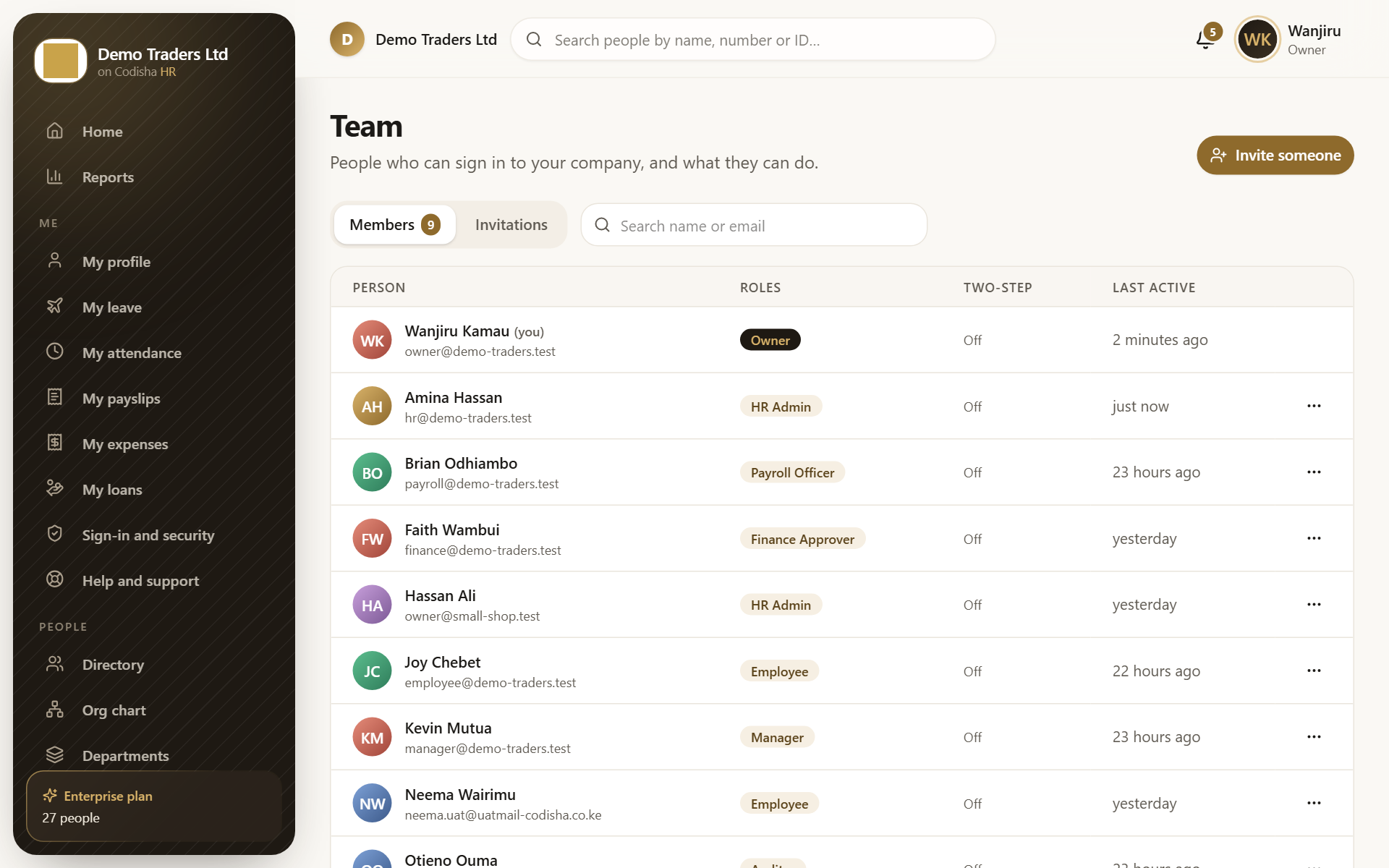
- Pending invitations can be resent or cancelled.
- Change roles or disable someone from their row. You'll be asked to confirm it's you.
- Remove takes away access to your company only; their Codisha account stays.