Getting started
Sign up and set up your company
Create your Codisha HR account, confirm your email and walk through the five-step setup: company, locations, departments, people and team.
For: Owners
Create your account
- Go to hrm.codisha.co.ke and choose Start free.
- Enter your company name, your name, email and a password of at least 10 characters with letters and numbers.
- We email you a six-digit code. Type it in to confirm your email and sign in.
The setup wizard
After you sign in for the first time, a short wizard helps you set the basics. Every step can be skipped and finished later from the checklist on your Home page.
- Company: legal name, KRA PIN, NSSF and SHA employer numbers, phone and address. See Company details.
- Where people work: add your offices, branches or sites and mark the head office.
- Departments: pick from common ones (Finance, Sales, Operations, HR, Customer Care) or add your own.
- People: import a spreadsheet or add people one by one. See Import people from a spreadsheet.
- Team: invite the colleagues who will run HR and payroll with you. See Invite your team.
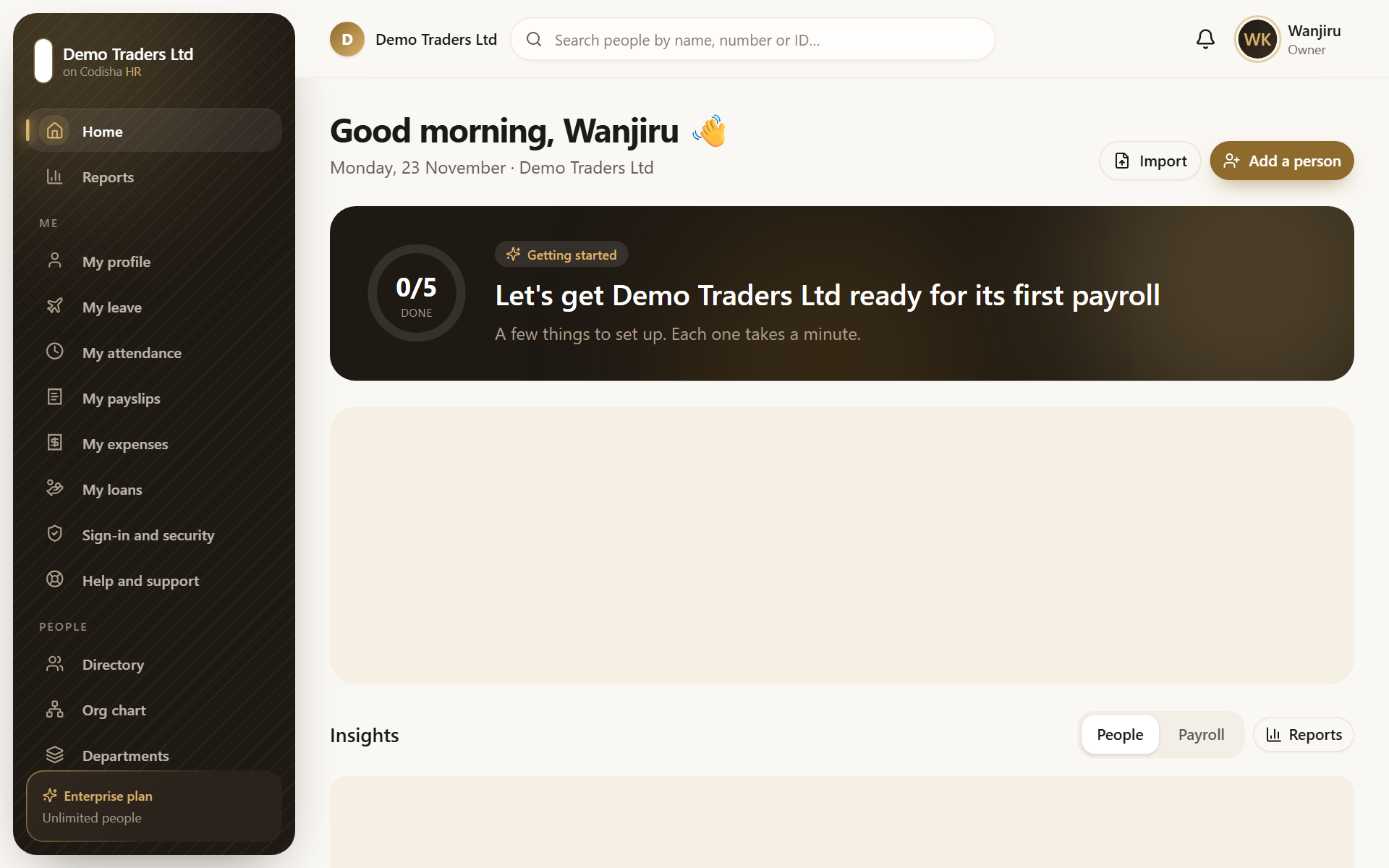
Each page also shows a short guided tour the first time you open it. You can turn tours off from your account menu.