Leave
Ask for leave
Pick a leave type and dates, see the day count and your balance as you go, attach a sick note when needed, and follow your request.
For: Everyone
- Choose Request leave on your Home page or under Me › My leave.
- Pick the leave type and your dates. Rest days and public holidays are greyed out and not counted.
- Watch the day count and what your balance will be after. Teammates who are away on those days are shown too.
- Add a reason, and attach a document if the type asks for one (a sick note after a few days, for example).
- Send it. Your approvers are told in their bell and by email.
- Half days: some types let you start in the afternoon or finish in the morning.
- Red messages block the request (not enough days, too little notice). Amber ones are warnings.
- You can cancel a request while it is waiting.
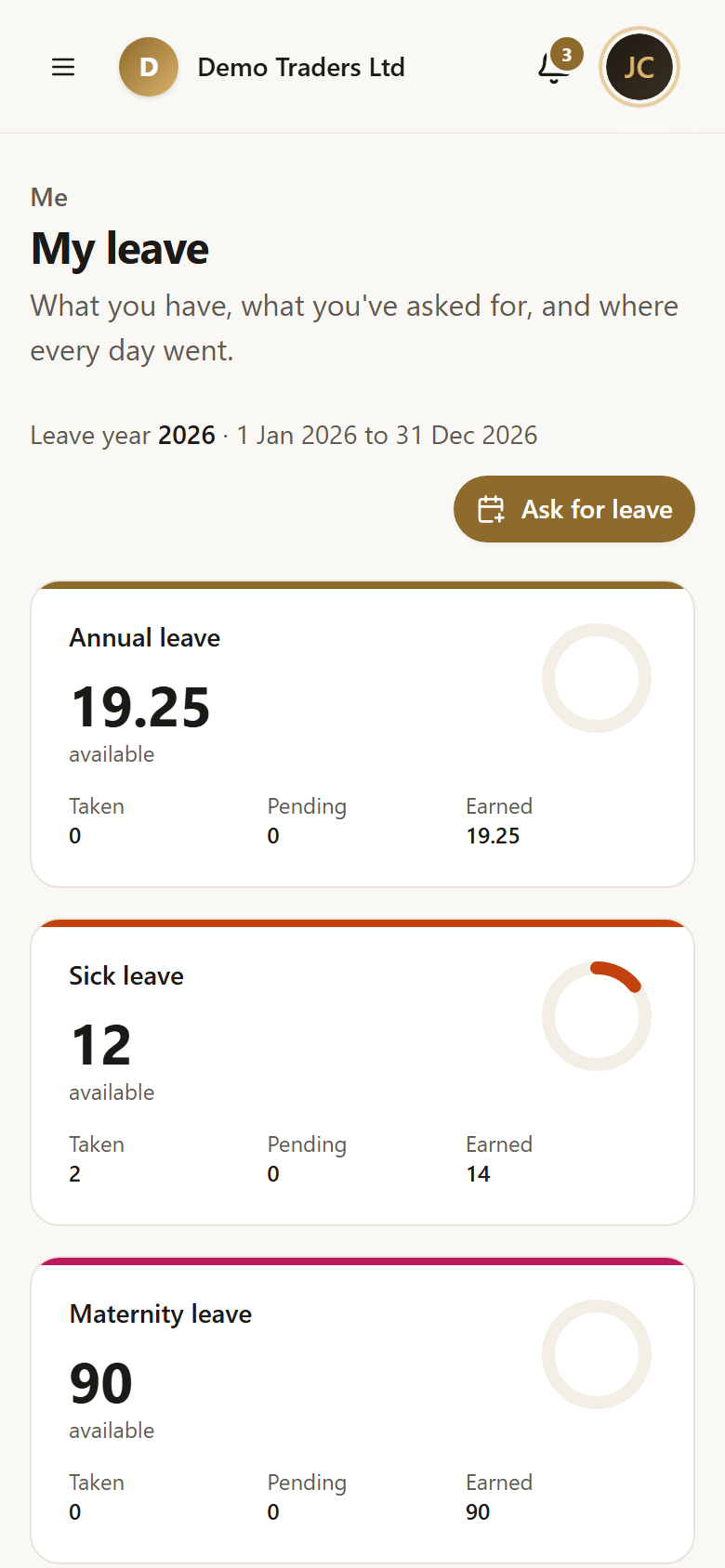
- My leave shows each type's available days, what's pending, and days about to expire.