Getting started
Import people from a spreadsheet
Bring your whole staff list in at once from Excel or CSV: download the template, upload, fix any problems in place, then import.
For: Owners and HR
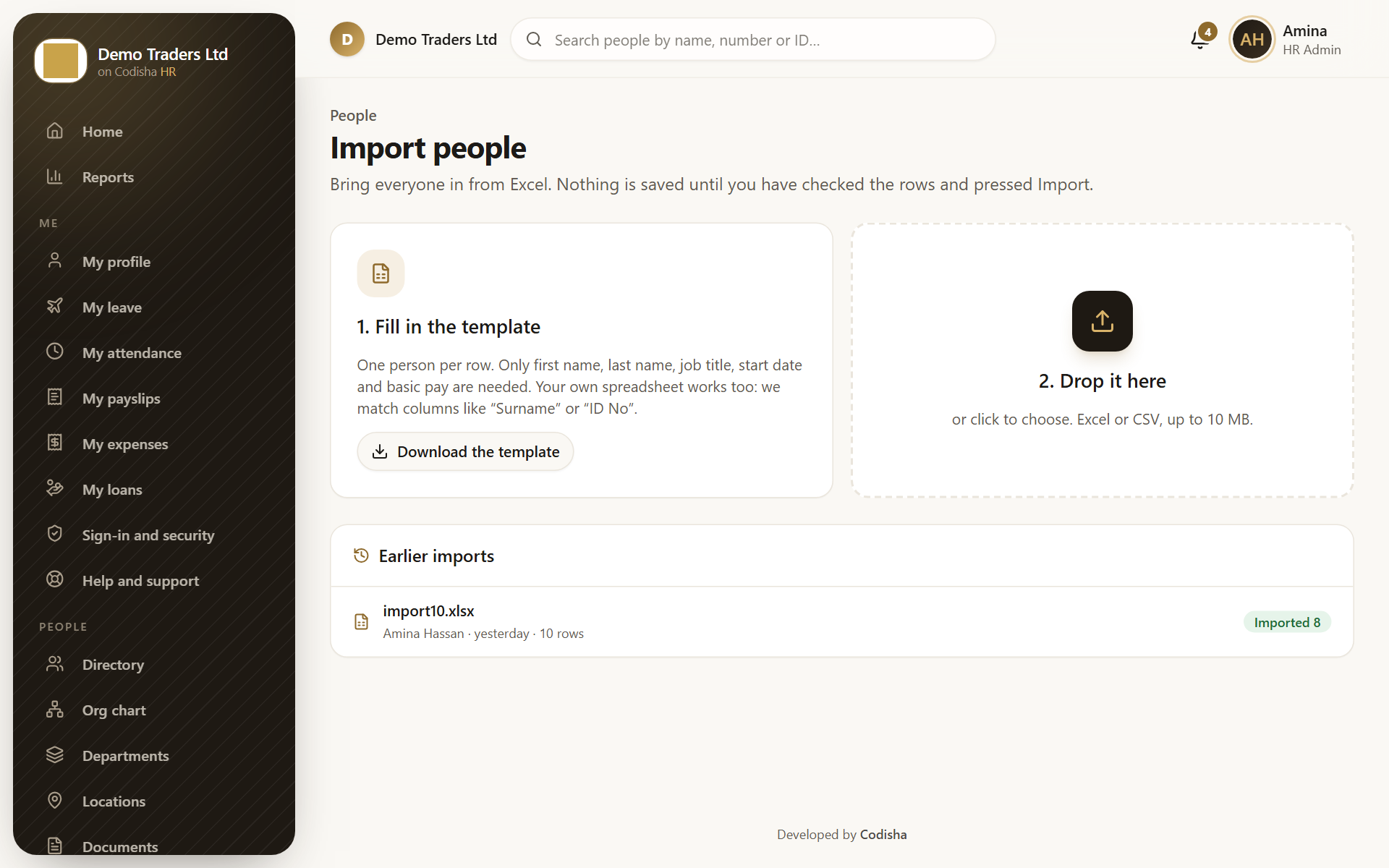
Open People › Import. Your plan decides how many people you can have; rows over the limit are shown but not imported.
Upload
- Choose Download the template and fill it in. Columns you add that we don't know are skipped and listed.
- Drop the file on the page (Excel or CSV).
Review and fix
- Every cell can be edited right on the page. Red cells have a problem; hover to see what is wrong.
- Amber cells are warnings, such as “New department: it will be created”.
- Untick rows you don't want. The tabs show All, Problems, Ready, Unticked and Over limit.
Import and undo
Choose Import. Leave Invite everyone with an email to sign in ticked to send them self-service invitations. You can undo a finished import for 7 days; undoing also cancels the invitations.