Getting started
Roles and what each can see
The preset roles (Owner, HR Admin, Payroll Officer, Finance Approver, Manager, Auditor, Employee), whose records each sees, and custom roles.
For: Owners
The preset roles
- Owner: everything, including billing and the team.
- HR Admin: people, documents, leave and the team. Sees pay, but cannot approve payroll or send money.
- Payroll Officer: prepares payroll and pay items. Someone else approves it.
- Finance Approver: approves payroll and sends salary payments.
- Manager: sees their direct reports, approves their leave, expense claims and overtime, and reviews them.
- Auditor: read-only access to people, payroll, payments, reports and the activity log.
- Employee: self-service only: their own profile, payslips and leave.
Custom roles
Open Company › Roles. Preset roles can't be edited, but Copy into a new role gives you a starting point. Choose Whose records can they see? (everyone, their location, their department, their direct reports, or only their own) and tick the permissions. Custom roles depend on your plan.
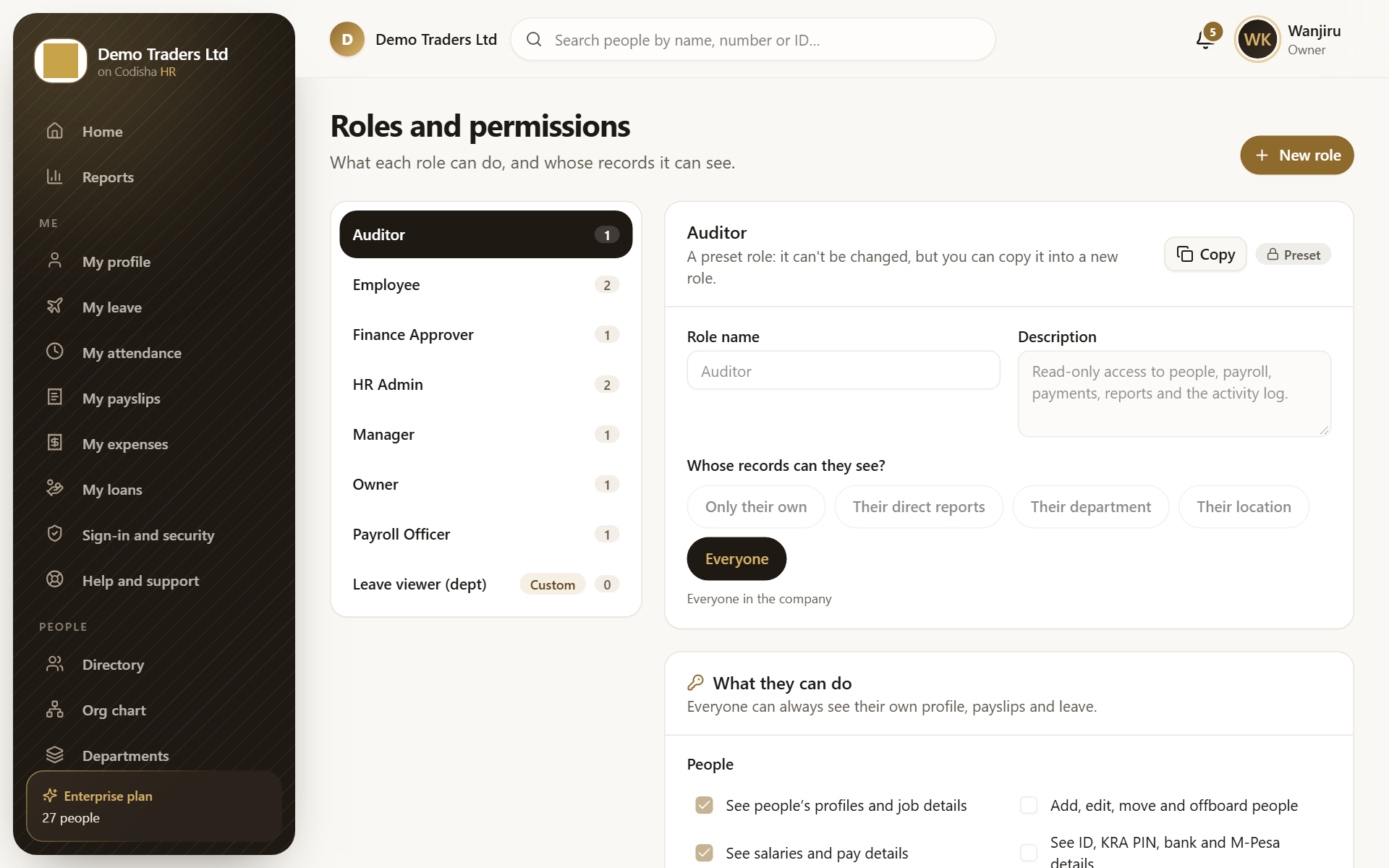
Pages someone's role doesn't include say “This page isn't open to you”, and the menu only shows what they can use.