People
A person's profile
What each tab on a profile holds: overview, job and pay, personal and statutory numbers, payment details, documents, leave, pay and history.
For: HR
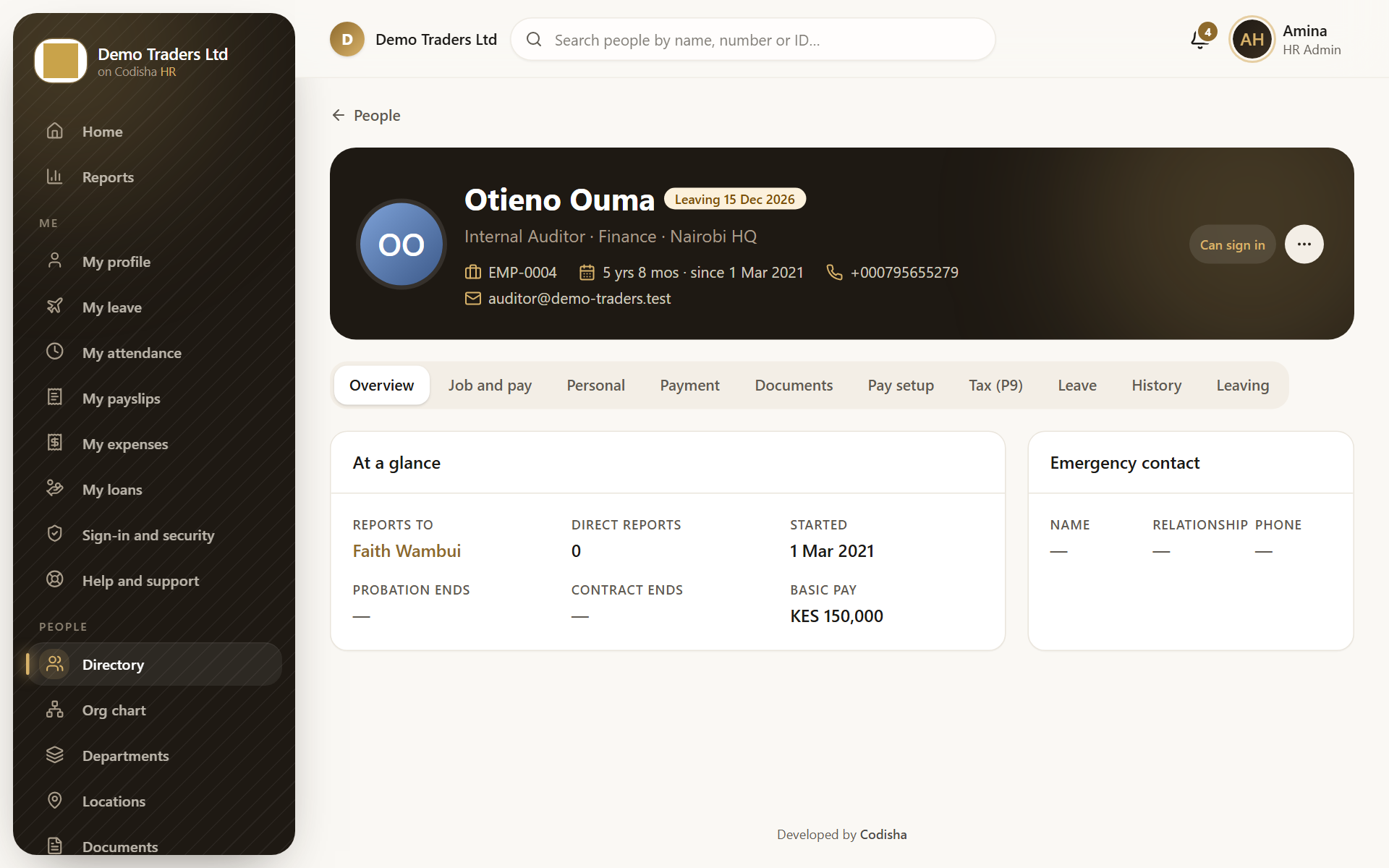
The tabs
- Overview: contacts, emergency contact, hire, probation and contract dates, and how many people report to them.
- Job and pay: job title, type, department, location, manager and basic salary.
- Personal: gender, date of birth, ID, passport, KRA PIN, NSSF and SHA numbers, disability certificate.
- Payment: how they are paid: bank account or M-Pesa number.
- Documents, Leave, Pay: see Documents, Leave and Setting someone's pay.
- History: a timeline of hires, promotions, transfers, pay changes and exits.
Promotions, transfers and pay changes
Edit the Job and pay tab. Codisha asks for the date it takes effect, the reason and what kind of change it is (promotion, transfer, pay change or job change), so the history stays accurate.
Self-service sign-in
If they can't sign in yet, the header has Invite to self-service. It uses their work email, or their personal email if there is no work one.