Paying and filing
Pay your people
After approving a run, download the M-Pesa bulk file or the bank file, print a cash list, and mark people paid. Track every payment to the end.
For: Finance
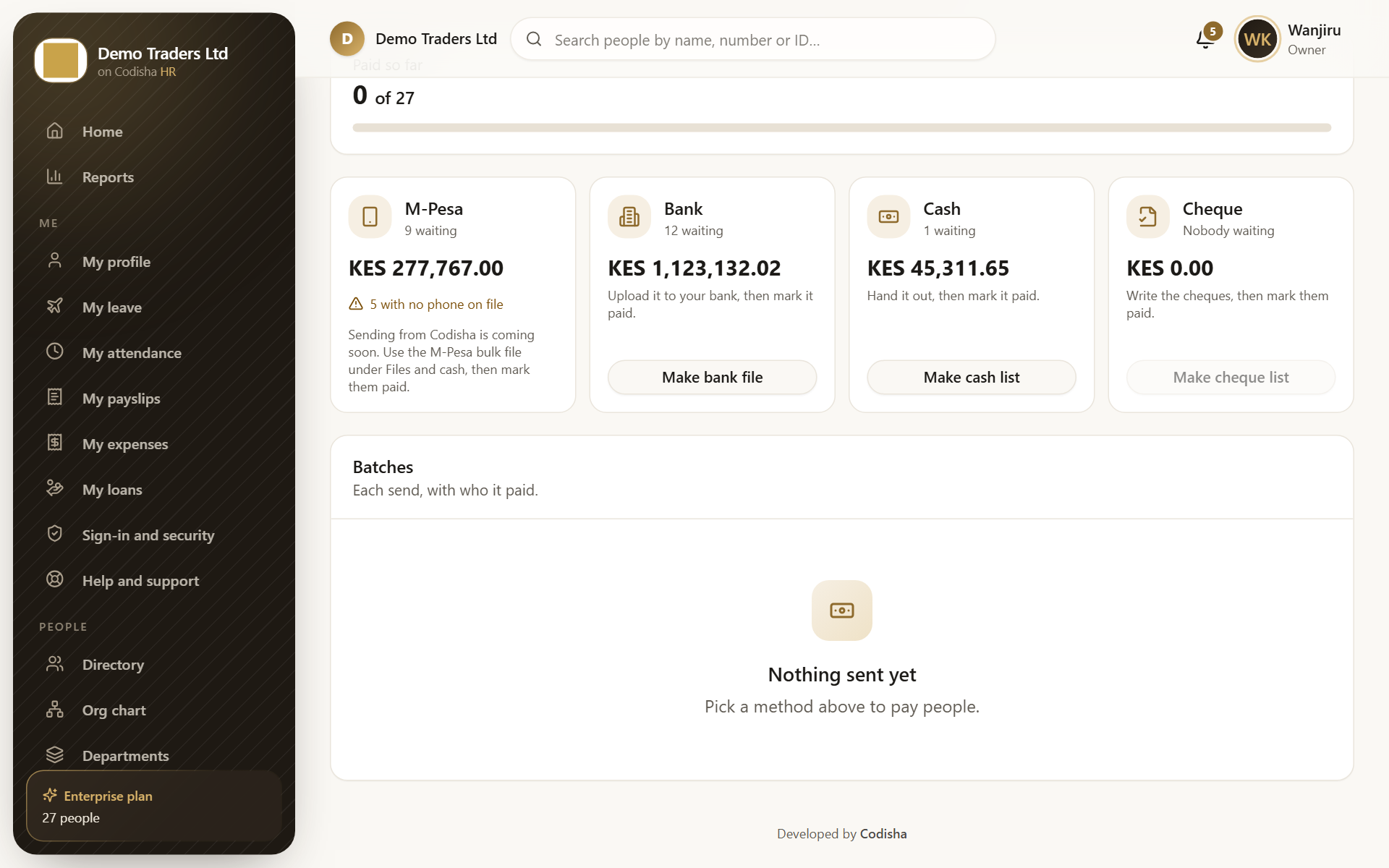
Open the approved run and the Pay people tab. There is a card for each way people are paid, showing who is still owed and anyone with missing details.
M-Pesa
- Open the run's Files and cash tab and download the M-Pesa bulk file. It lists only people still owed, with a Kenyan mobile number, in whole shillings.
- Upload it to your M-Pesa bulk payment account and pay it there.
- Back on Pay people, mark those people paid.
- Amounts are whole shillings: M-Pesa payees' net pay is already rounded on their payslip.
- Only Kenyan mobile numbers (07… or 01…) are in the file. People with other numbers are flagged on the run until you fix them.
Bank
Choose Make bank file, download it (Excel or CSV) and upload it to your bank. When the bank has paid, Mark paid with the bank reference.
Cash and cheques
The Files and cash tab has a cash pay sheet with the notes and coins for each person and in total (what to draw from the bank), and a signature column to print. Mark cash paid when it's handed out; people can confirm they received it.