Getting started
Company details, logo and employer numbers
Add your legal name, KRA PIN, NSSF and SHA employer numbers and logo. They appear on payslips and next to your statutory returns.
For: Owners and HR
Open Company › Company details. Only people who manage settings can change these; everyone else sees them read-only.
What to fill in
- Name and legal name: the legal name is used on returns and certificates of service.
- KRA PIN, NSSF and SHA employer numbers: shown on the payroll run's For the portals panel when you file returns.
- Email, phone, address and time zone: the time zone decides what “today” means for leave, attendance and someone's last day.
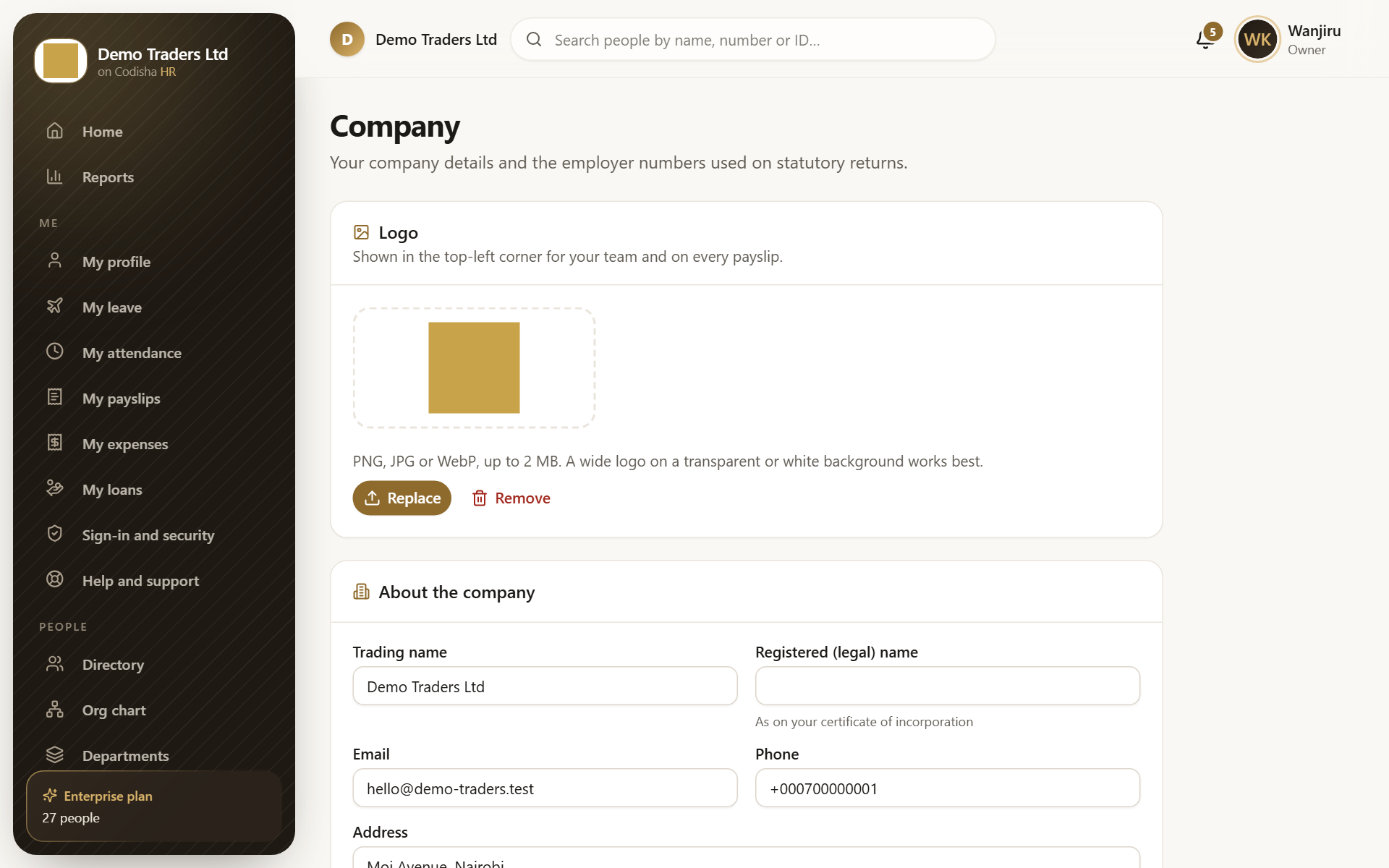
Your logo
Upload a PNG, JPG or WebP up to 2 MB. It shows at the top of the menu and on every payslip PDF.