Loans and expenses
Expense claims
Claim work expenses with receipts, get them approved by your manager, and be paid back in the next payroll, untaxed, or paid directly.
For: Everyone; managers approve
Making a claim
- Open Me › My expenses and choose New claim.
- Give it a title, then add a row for each expense: category, date, description, amount and a photo or PDF of the receipt.
- Check the category's limit and whether a receipt is required, then send it.
Approving
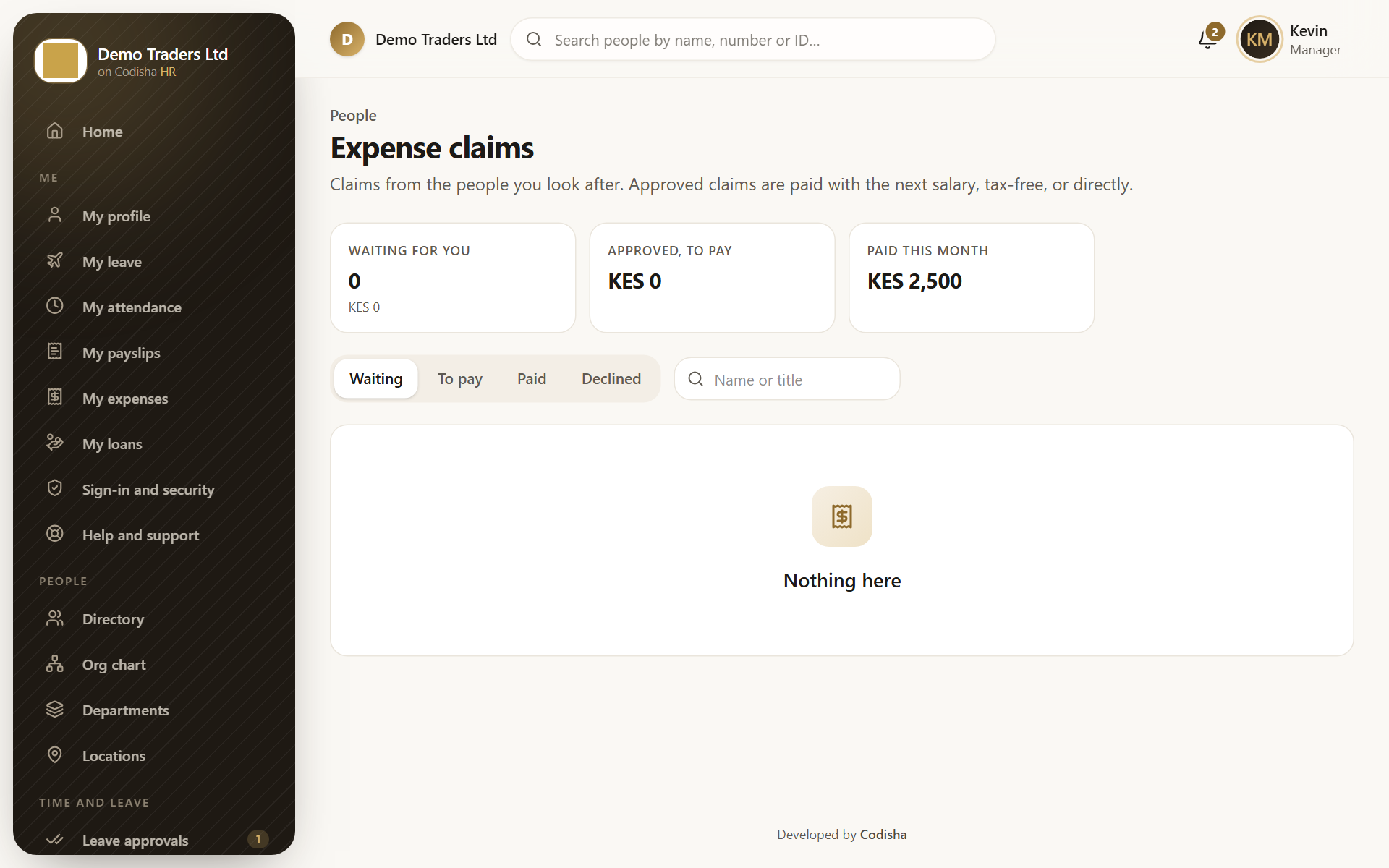
Managers open Payroll › Expense claims, look at each item and its receipt, then choose Approve, pay in payroll (paid with the next salary) or Approve, pay directly, or decline with a reason.
On the payslip the money shows as Expense reimbursement: not taxed and not counted in gross for NSSF, SHIF or the Housing Levy. Set categories, limits per item and when a receipt is needed in Expense rules.