People
Someone leaving
Record a resignation or termination, keep them active until their last day, work through the checklist, prepare final dues and issue a certificate of service.
For: HR and payroll
Record that they are leaving
- On their profile, open the actions menu and choose Mark as left.
- Enter their last day, the reason and any notes.
- A last day in the future: they stay active, keep their access and their team until then, and their profile shows a Leaving chip. Codisha completes the exit early on their last day.
- Today or earlier: it takes effect at once.
- When the exit completes, their reports move to their manager and their sign-in keeps self-service only, so they can still get payslips and their P9.
The leaving checklist
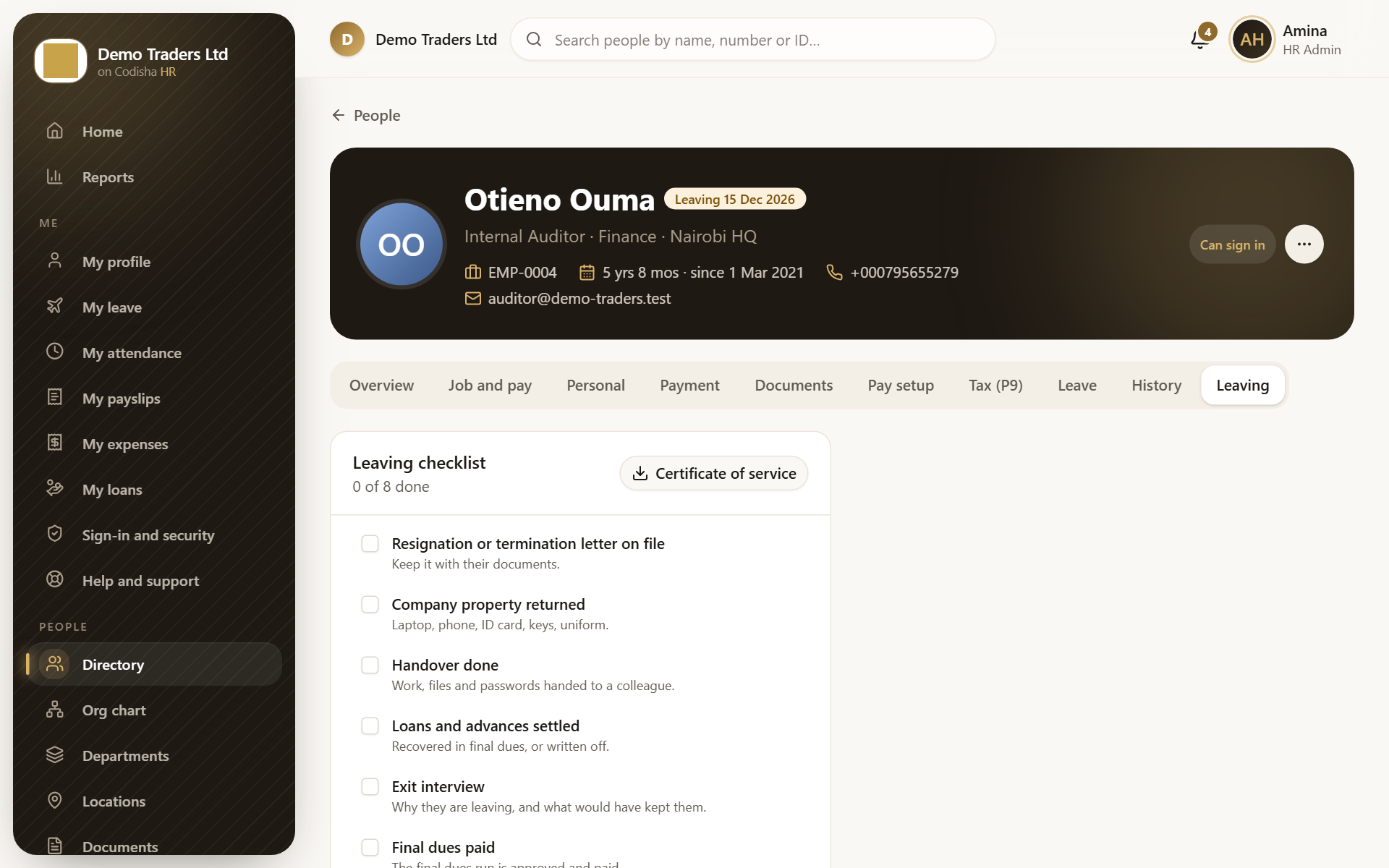
The Leaving tab has a checklist: resignation letter on file, property returned, handover, loans settled, exit interview, final dues paid, certificate of service, P9. Tick items as you go and add your own.
Final dues
The estimate (before tax) shows the days worked in the last month, their regular allowances for that month, unused leave, severance if it was a redundancy, pay in lieu of notice if you add it, and staff loans to recover. Prepare final dues run creates a payroll run just for them; calculate and approve it like any run.
Certificate of service
Download it from the Leaving tab. It states their name, your company, the dates and their job, as the Employment Act requires, without a reason for leaving. To bring someone back later, use Rehire.