Payroll
Set someone's pay
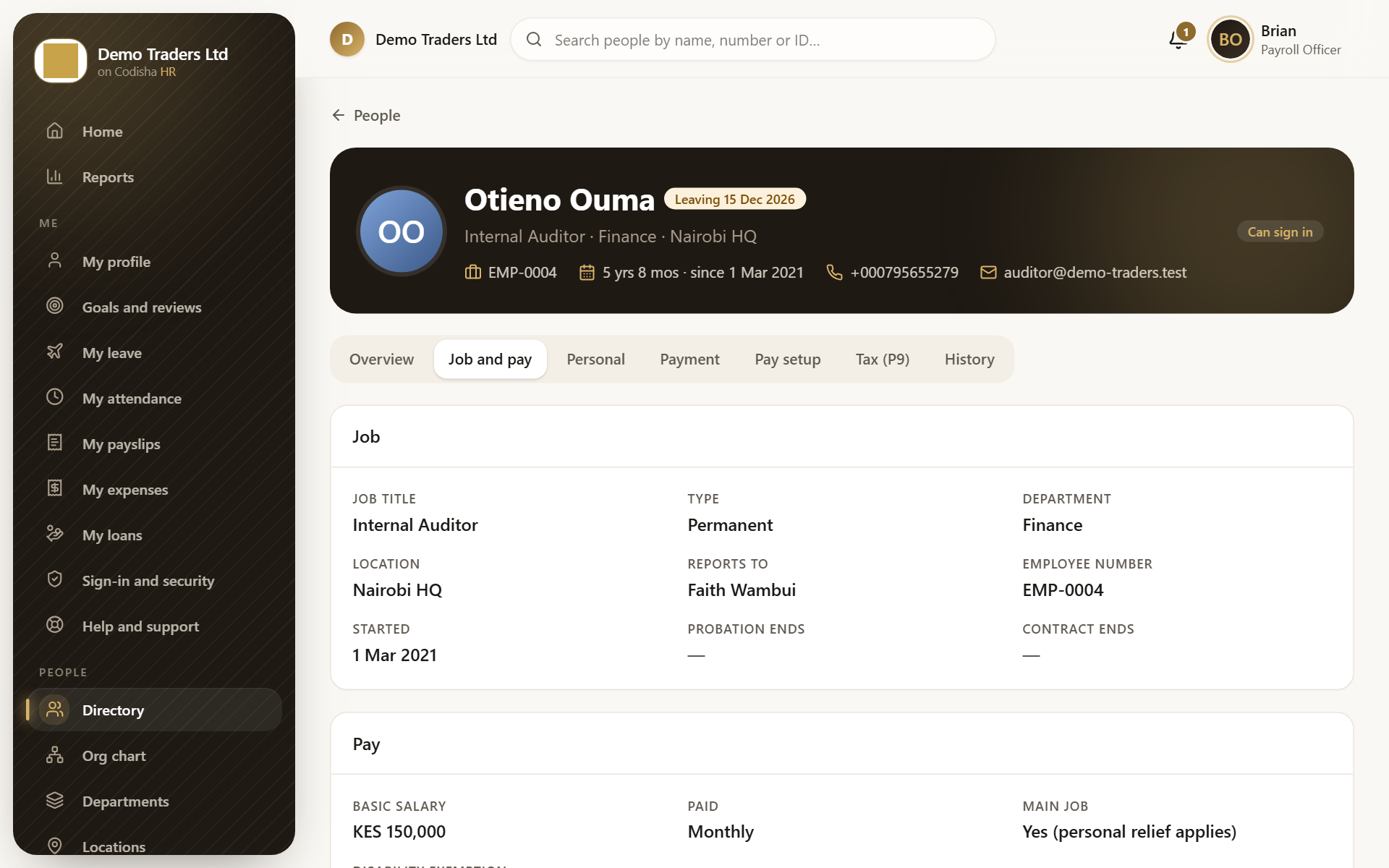
On the Pay tab: their pay category, statutory switches, regular allowances and deductions, agreed net pay and what the employer pays for them.
For: Payroll
Open their profile and the Pay tab. Only people who can see pay see it; payroll staff can change it.
Pay category
Each category sets the right deductions: employee, secondary employment (no personal relief), casual (paid per day), consultant (withholding tax instead of PAYE), and others. Each shows a one-line explanation.
Regular allowances and deductions
Add the pay items they get every run (a house allowance, a SACCO deduction) with the amount and, if needed, start and end dates. Loans show the balance left.
Agreed net pay and employer-paid shares
Agreed net pay works out the gross needed so they take home a fixed amount. Employer pays lets the company cover the person's own PAYE, NSSF, SHIF or Housing Levy.