For employees
Sign-in, two-step and devices
Turn on two-step sign-in with an authenticator app, keep recovery codes, see where you're signed in, change your password, and reset a forgotten one.
For: Everyone
Open Sign-in and security from the Me menu.
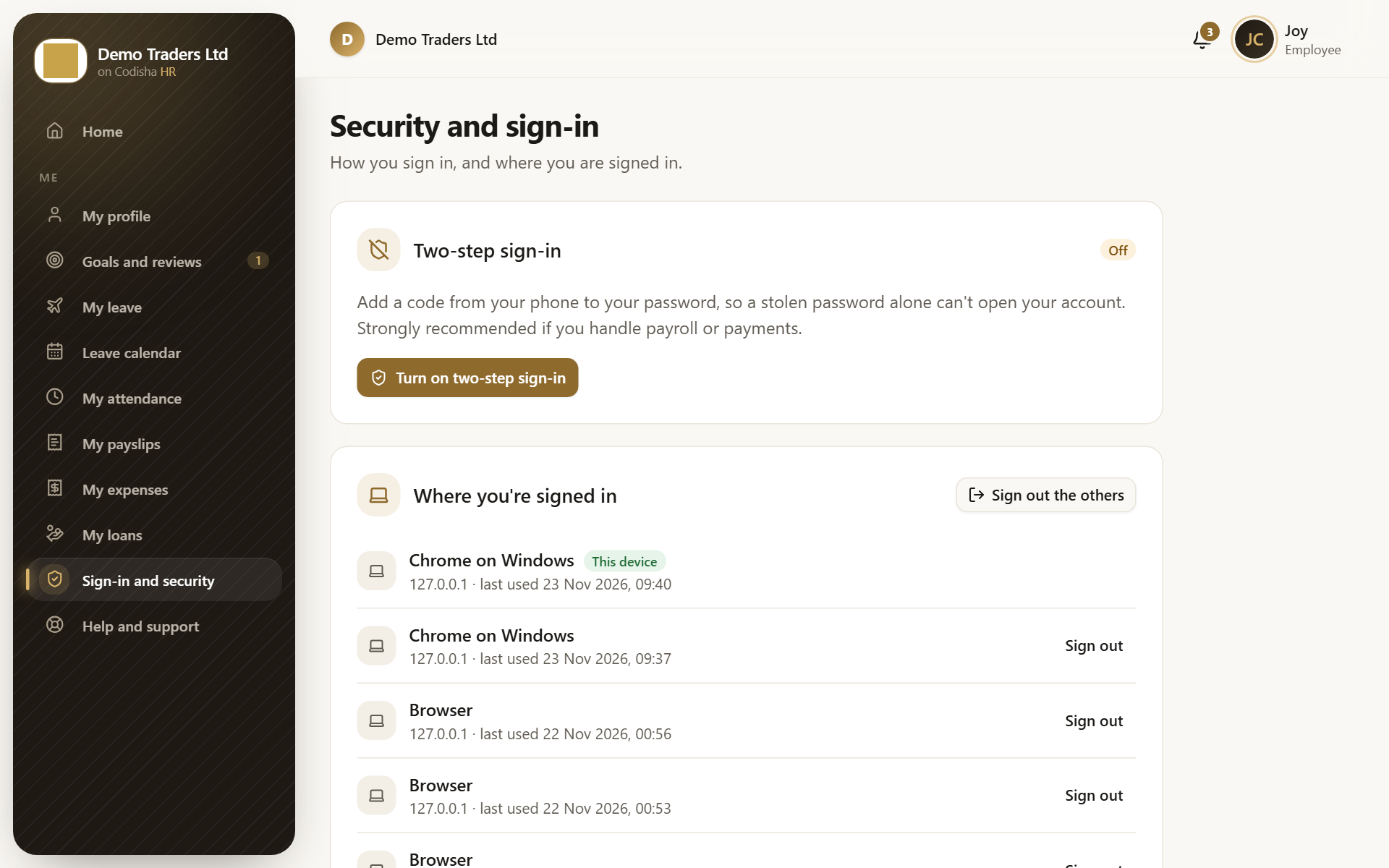
Two-step sign-in
- Choose Turn on and scan the QR code with an authenticator app (Google Authenticator, Microsoft Authenticator, Authy).
- Type the six-digit code to confirm.
- Save your recovery codes somewhere safe. Each works once if you lose your phone.
It's optional, but strongly recommended for anyone who can see pay or personal records; Codisha reminds those people on Home. At sign-in you can also ask for a code by email.
“Confirm it's you”
Sensitive actions (approving payroll, sending money, changing roles) ask for your password or a two-step code first. It's a check, not an error.
Devices and password
- Devices lists where you're signed in. Sign one out, or all the others.
- Changing your password signs out your other devices.
- Forgot it? On the sign-in page choose Forgot password and follow the email link. Five wrong tries lock sign-in for 15 minutes.