Attendance
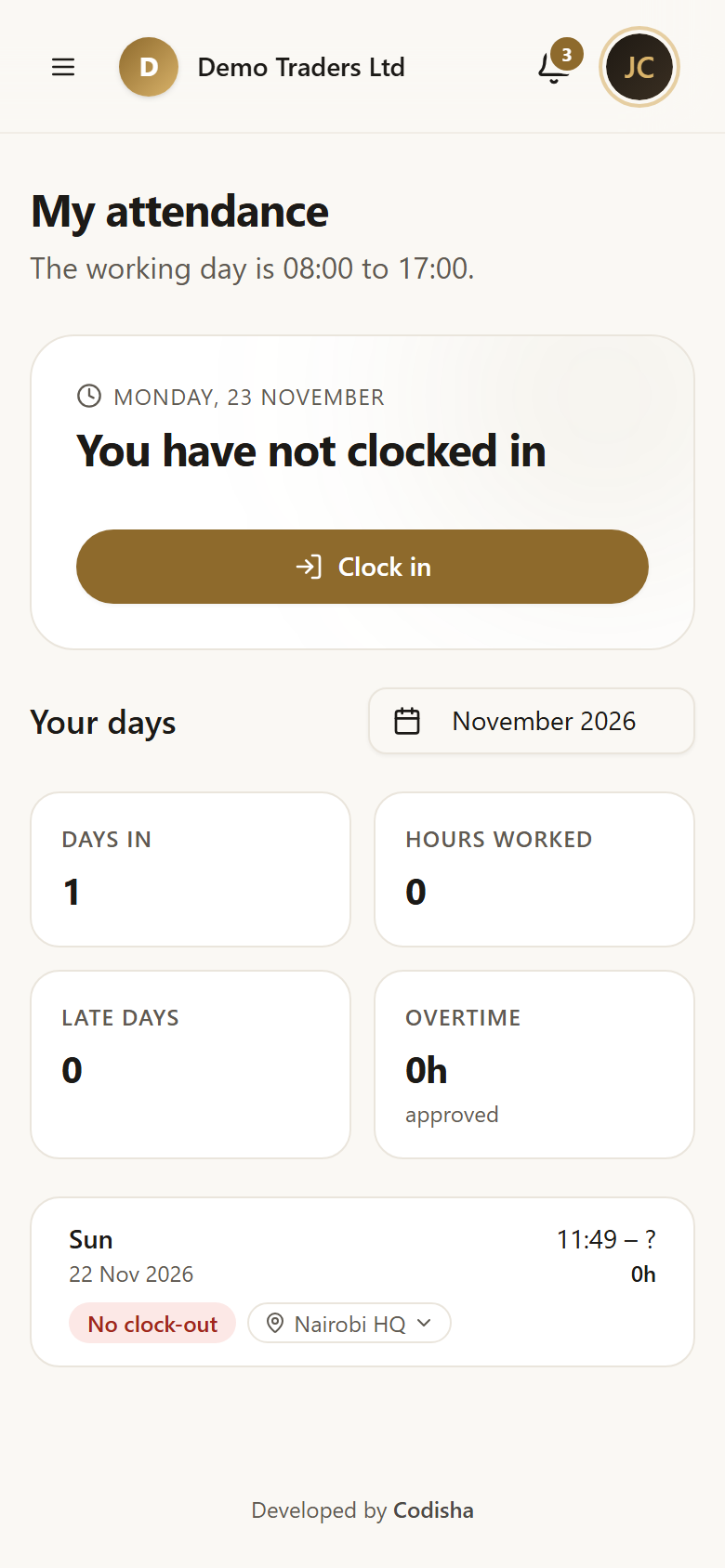
Clock in and out from your phone
Clock in when you arrive and out when you leave, from your phone or computer, and see your hours, lateness and overtime for the month.
For: Everyone
- Open Codisha HR on your phone. The Clock in card is on your Home page and under Me › My attendance.
- Tap Clock in. If your company uses locations, allow your browser to share your location.
- Tap Clock out when you leave. Your hours for the day appear.
If clocking in is refused
- “You are about 2.2 km from Nairobi HQ”: your company only allows clocking in at work. Try again when you arrive.
- “Your location is too rough”: your phone doesn't know exactly where you are. Turn on Precise location for your browser, or step near a window or outside, and try again.
- “Turn on location”: allow location for the site in your browser or phone settings.
Your location is taken only at the moment you clock in and out, never in between. Forgot to clock out? Ask your manager to fix the times; nobody can fix their own.