Account, plans and support
Getting help: support tickets and tours
Raise a ticket with Codisha support with screenshots, follow the conversation, and replay the guided tours on any page.
For: Everyone
Choose Help and support in the menu. Raise a ticket with a subject, what happened, how urgent it is and up to five screenshots (paste, drop or pick). We record the page you were on.
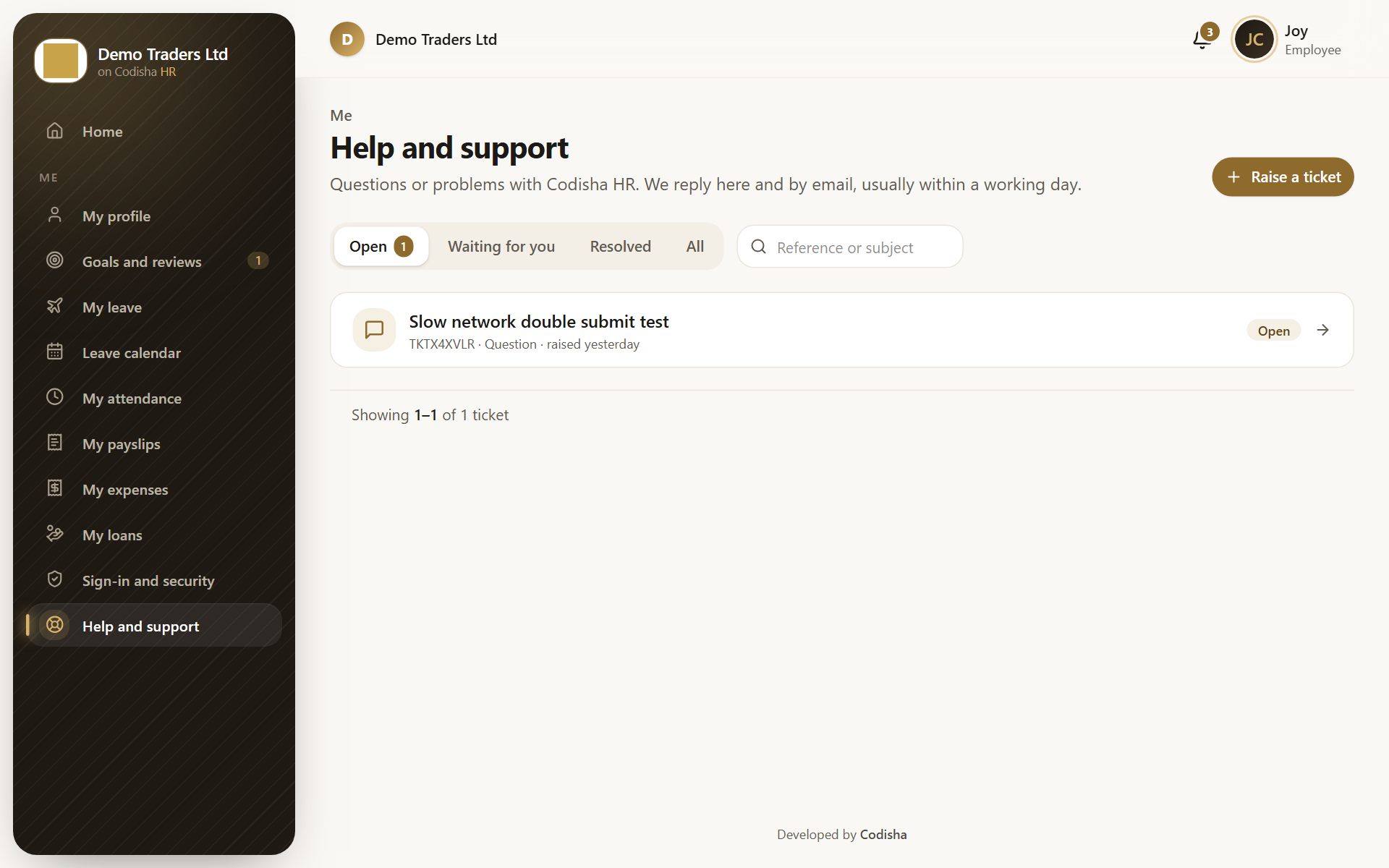
- Replies arrive in the bell and by email. “Waiting for you” means we need an answer.
- Mark a ticket resolved, or reopen it.
- Questions about your own pay or leave? Ask your HR team first: tickets reach Codisha, not your employer.
Each page shows a short tour the first time you open it. Turn tours on or off, or replay them, from your account menu.